Batch Logo Processing for 360 photos in PanoCool Retouch
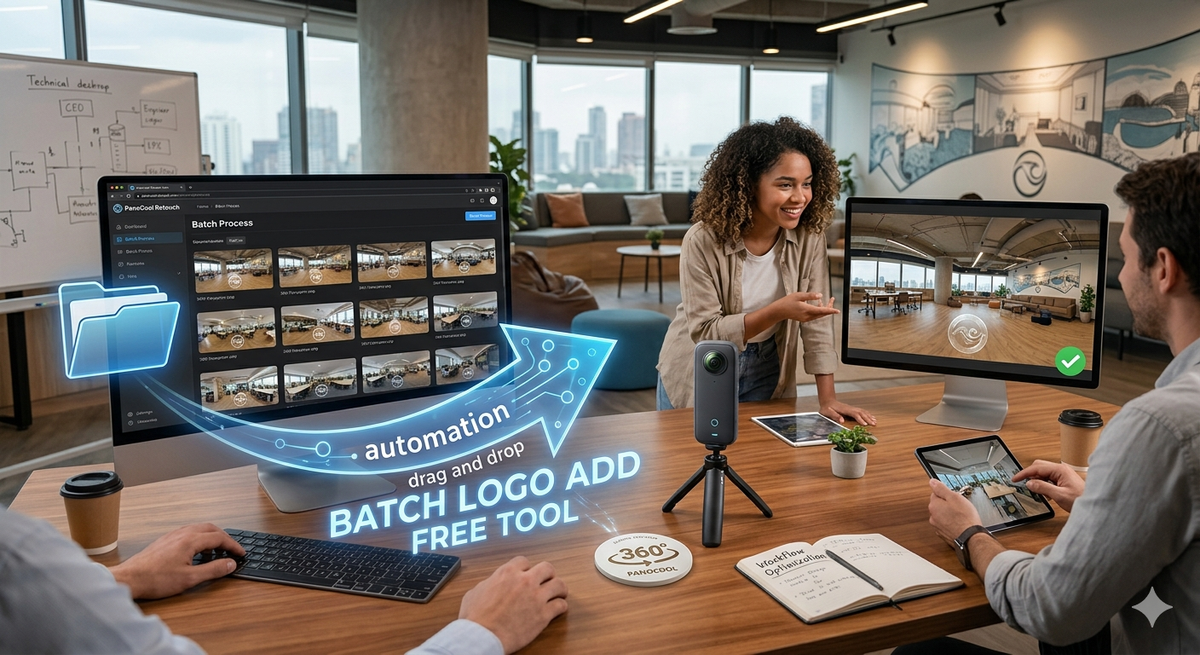
The Batch Process feature in PanoCool Retouch is designed for 360 photographers and virtual tour creators who need to apply consistent branding or nadir patches to large sets of equirectangular images. This automated workflow eliminates the need for manual editing in third-party software, significantly reducing post-production time.
Step-by-Step Instructions
1. Access the Batch Menu
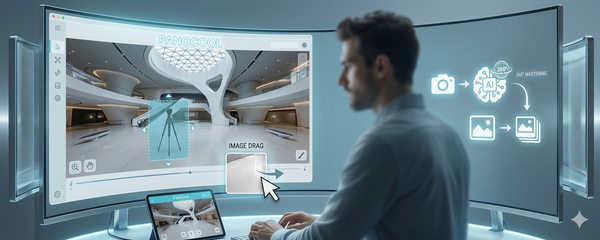
Launch PanoCool Retouch and navigate to the top navigation bar. Select the Batch Process menu option. This will open a dedicated workspace optimized for high-volume editing.
2. Import Photos
You can import your files in two ways:
- Drag & Drop: Select multiple files from your computer and drop them directly into the upload zone.
- File Browser: Click the upload area to manually browse and select your 360° images.
3. Select Processing Mode
Once your photos are loaded, choose the workflow that best fits your project:
| Mode | Use Case |
| Process All | The Fast Route: Automatically applies the current logo settings (position, scale, and opacity) to every uploaded image instantly. Use this if all your shots were taken at the same tripod height. |
| One-by-One | The Precision Route: Allows you to cycle through each photo individually. Use this to verify the logo placement or adjust the position if certain environments require a smaller/larger patch. |
4. Adjustments (Optional)
If using the One-by-One mode, you can use the on-screen sliders to:
- Scale the logo size.
- Adjust vertical/horizontal positioning.
- Modify transparency/opacity.
5. Export Results
After reviewing your images, click the Export as Zip file button.
- The system will compile all processed images into a single compressed folder.
- This ensures your file names remain organized and your browser doesn't trigger multiple individual download prompts.
Next Steps: Go Live with Your Tours
Once you have batch-processed your photos and added your branding, it’s time to show them to the world!
Don't let your edited photos sit on your hard drive. You can instantly upload and share your 360 photos with PanoCool Virtual Tour Studio. Simply upload your newly branded images to create an immersive, interactive experience that you can share via a single link or embed directly into your website.
Try PanoCool Retouch for free now!: https://pano.cool/pano-editor