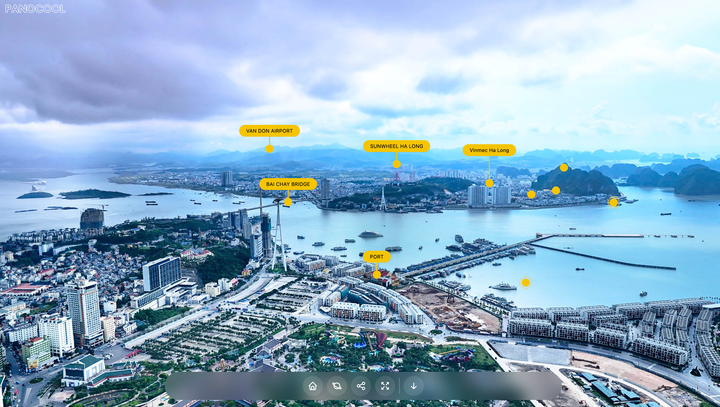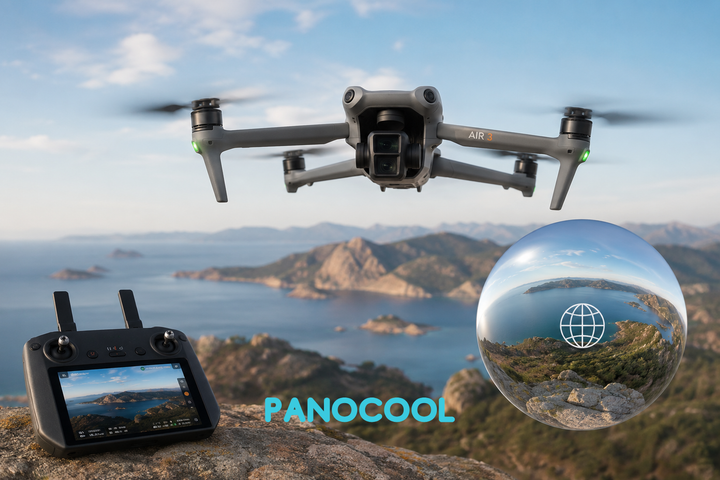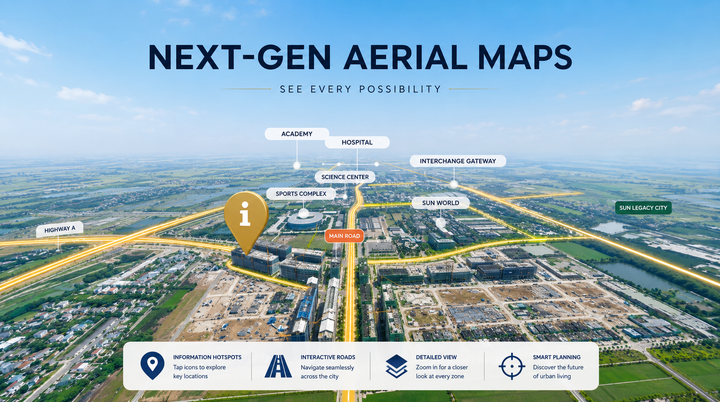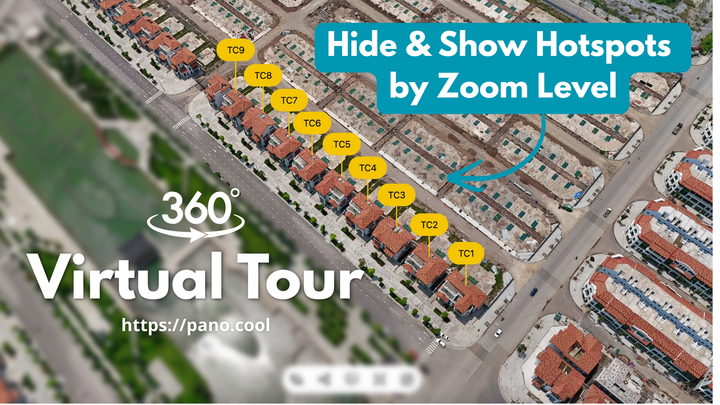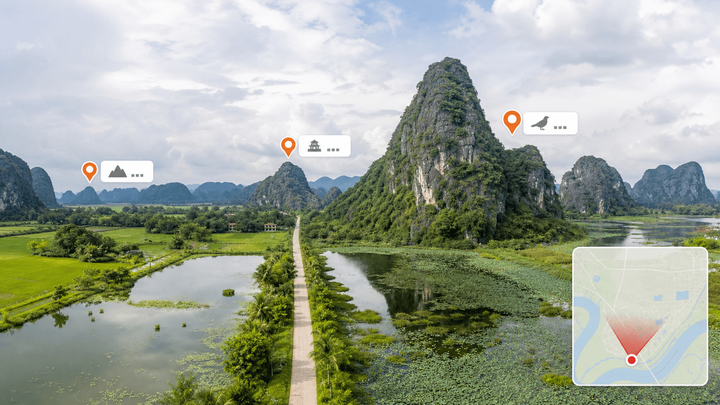
Aerial Pins for 360° Drone Photos: Callout Hotspots in PanoCool Pin schools, parks and train stations on a 360° drone photo, outline the lot and export marketing images, all in PanoCool.
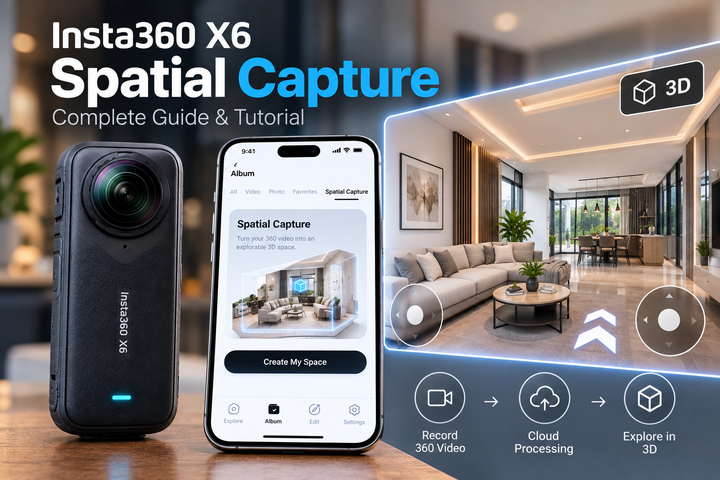
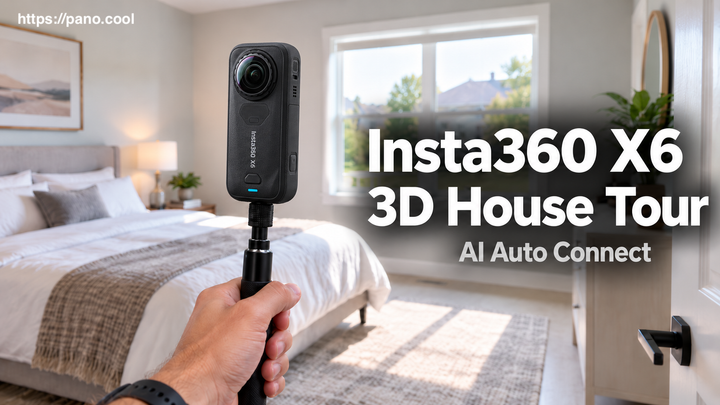
How to use Spatial Capture with Insta360 X6 Insta360 introduced a new Spatial Capture feature alongside the Insta360 X6 release. Instead of simply recording a 360 video that you rotate and watch from a fixed position, Spatial Capture processes your footage into a 3D digital space that you can actually move around inside. This post shows you a
PanoCool Library: Reuse Assets, Styles, Content, and Elements When building a virtual tour, you often reuse the same things again and again: logos, images, videos, styled callouts, popups, galleries, or even complete interactive elements. The Library gives you one place to keep all of these reusable items and quickly add them to any scene. Previously called Assets, the
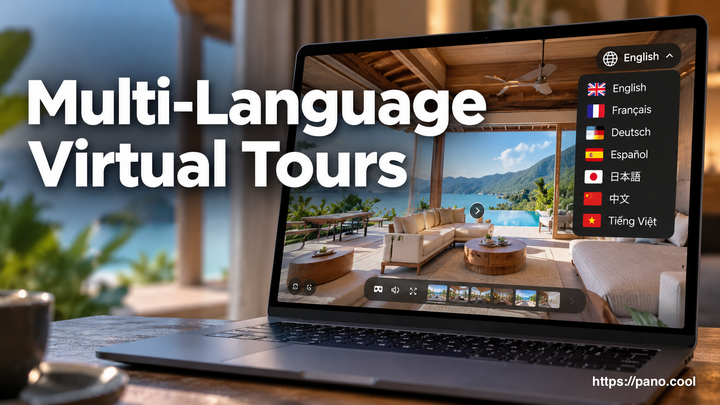
How to set up multi-language virtual tours in PanoCool PanoCool can show one virtual tour in up to five languages, and visitors switch between them with a language selector on the tour. The menu, scene titles, hotspot labels, popups and the viewer's own buttons all change with it, so a guest from Tokyo and a guest from