Creating a "Little Planet" Intro Effect
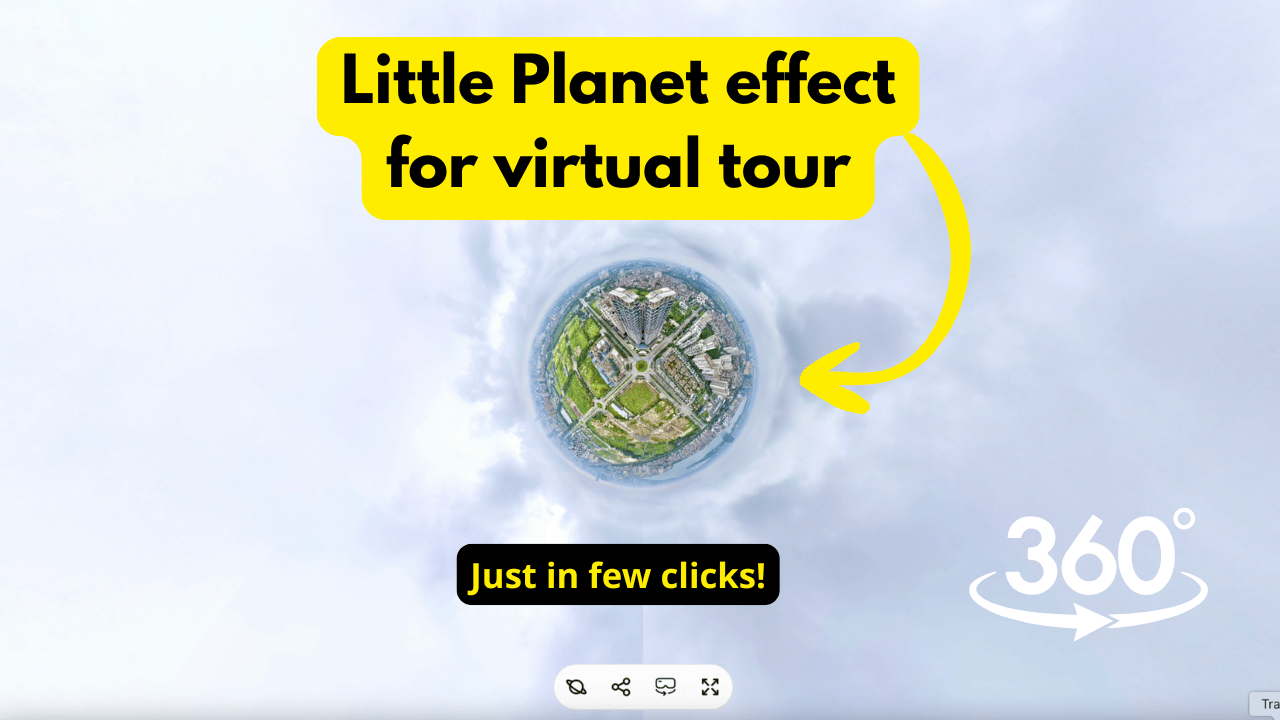
The Little Planet Intro is a cinematic entry animation that starts with your 360° panorama wrapped into a spherical "miniature world" before smoothly zooming into the standard immersive view. This effect is a powerful way to capture attention and provide a professional "opening act" for your virtual tours.
Overview
When a viewer opens your tour link, the camera begins at a high-altitude, wide-angle "fisheye" perspective. Over a set number of seconds, the view transitions into the starting position you’ve defined in the editor.
Step-by-Step Configuration
1. Upload Your 360° Content
- Go to https://pano.cool
- Log in to your PanoCool Dashboard.
- Click the Create button.
Drag and drop your panorama into the upload zone.
Note: For the best results with aerial "Little Planet" views, use Sphere Photo mode if you are capturing content with a DJI drone.
2. Access the Add-ons Menu
Once your panorama is processed and open in the Editor:
- Locate the Add-ons tab on the left-hand navigation panel.
- Scroll to find the Little Planet Intro module.
3. Enable and Customize
- Toggle Switch: Click the toggle to Enable the effect.
- Duration: Use the slider or input field to set the transition time (in milliseconds or seconds).
- Short Duration: Quick, high-energy transition.
- Long Duration: Slower, more cinematic "fly-in" feel.
- Save: Ensure you save your changes in the Editor.
4. Preview Your Work
To see the effect as your audience will see it:
- Click the Share button to get your public view link.
- Open the link in a new tab.
- Pro Tip: If you make adjustments to the duration, simply refresh the view link page to see the updated animation timing.
Youtube tutorial video:
Need More Help?
Join our PanoCool Community Facebook Group to share your tours and get tips from other professional photographers and creators.