
Free tool to add your logo to 360 images - PanoCool Retouch
With PanoCool Retouch, you can add logos, watermarks, text, icons, and other graphic elements directly onto both 360 panoramas and regular photos — all from your browser without installing any software.
Why Add a Logo to 360 Images?
Adding a logo to your panoramic images can help you:
- Promote your brand whenever images are shared
- Create a professional appearance for clients
- Protect your work from unauthorized use
- Maintain consistent branding across virtual tours
- Add company information, website URLs, or contact details
What You'll Need
Before starting, prepare:
- A 360 panorama image (or a regular photo)
- Your logo in PNG format (recommended for transparent backgrounds)
- A free PanoCool Retouch account
Open the editor: https://pano.cool/pano-editor
Step 1: Open Your 360 Image
Upload your panorama to PanoCool Retouch by drag and drop your file here or click Browse files.
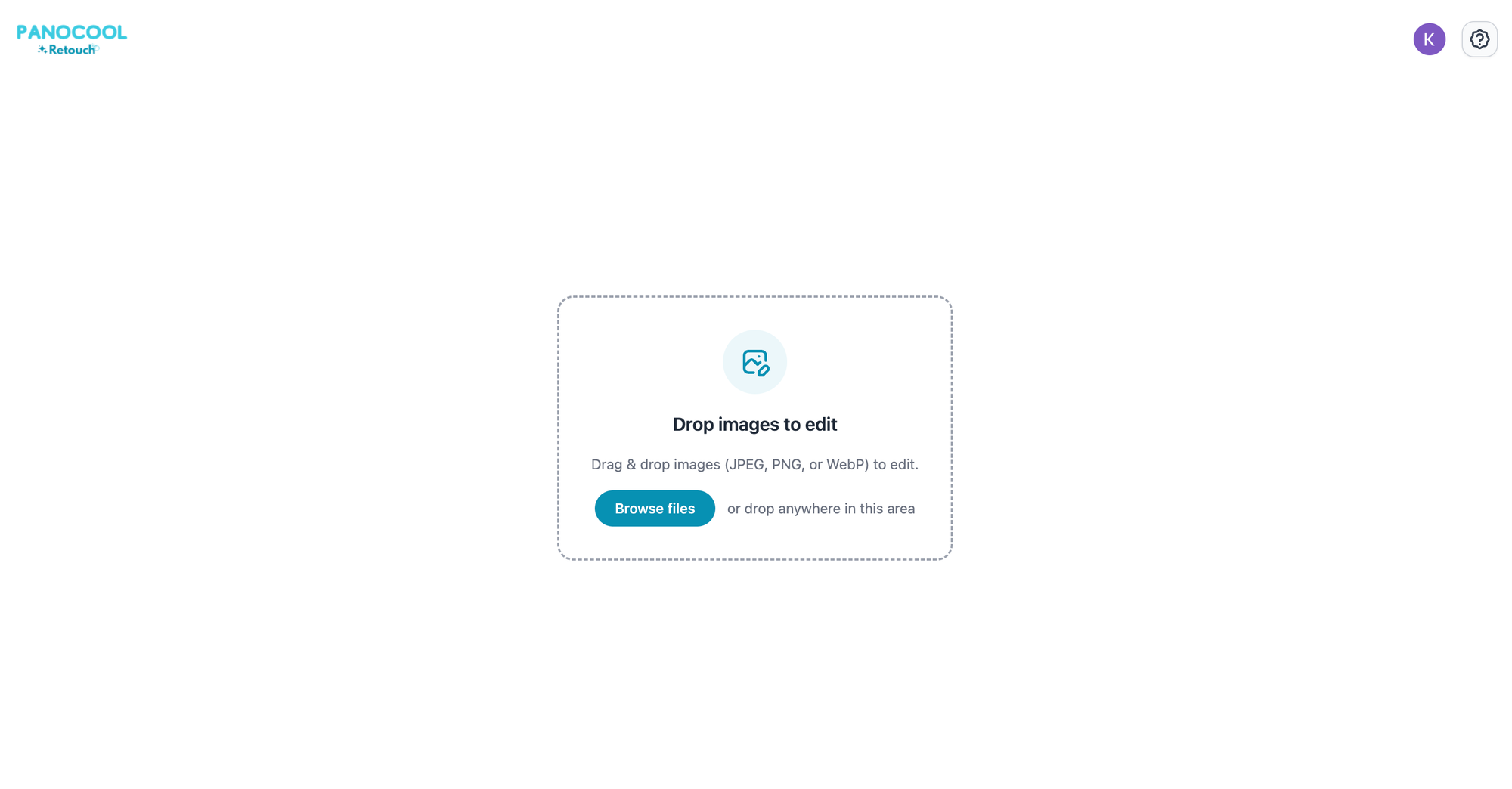
Once loaded, you'll be able to interactively view and edit the image directly in your browser.
Step 2: Add Your Logo
Click Image icon from the editor toolbar to add image overlay.
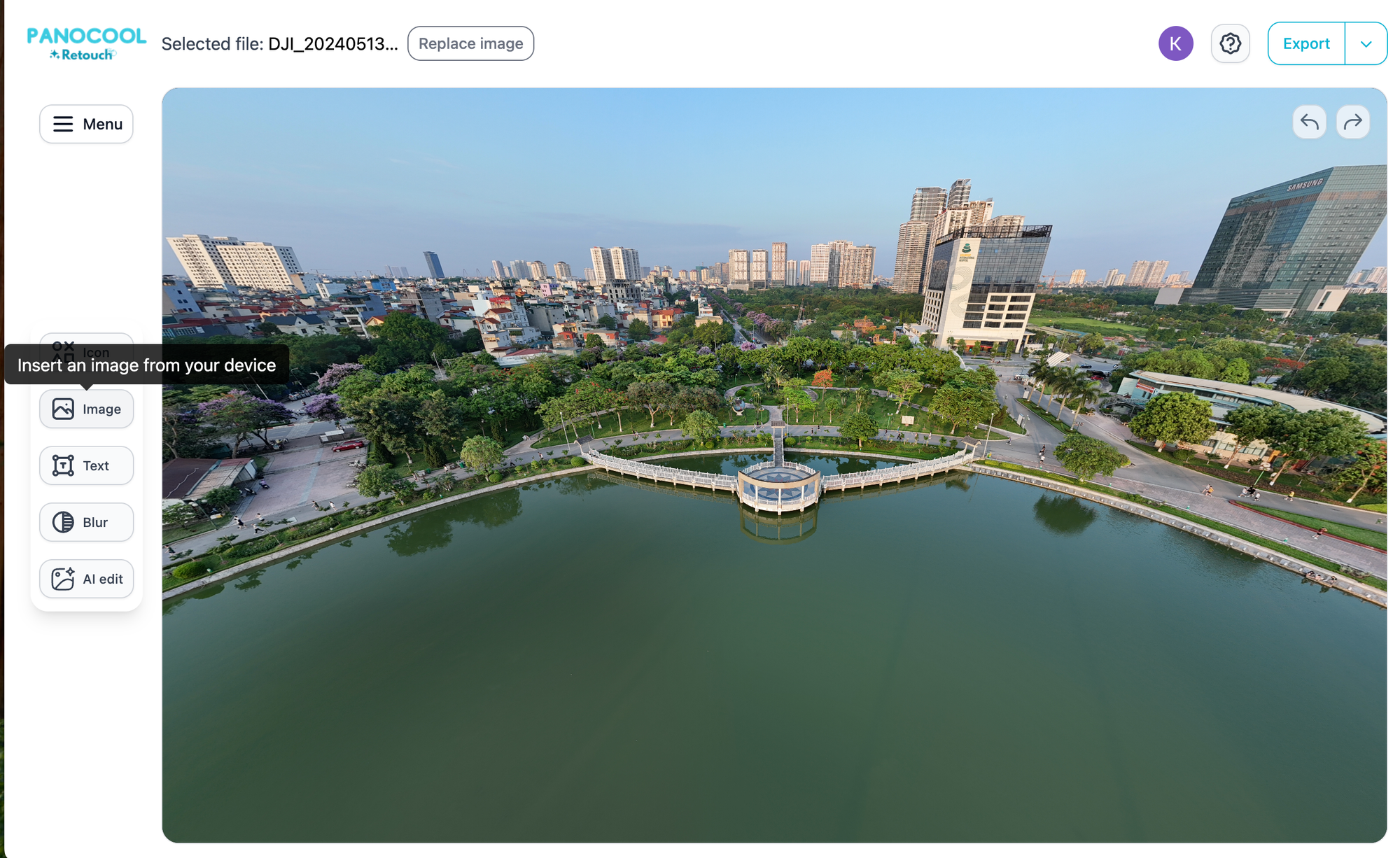
Upload your logo file and place it anywhere in the panorama.
Step 3: Resize and Position the Logo
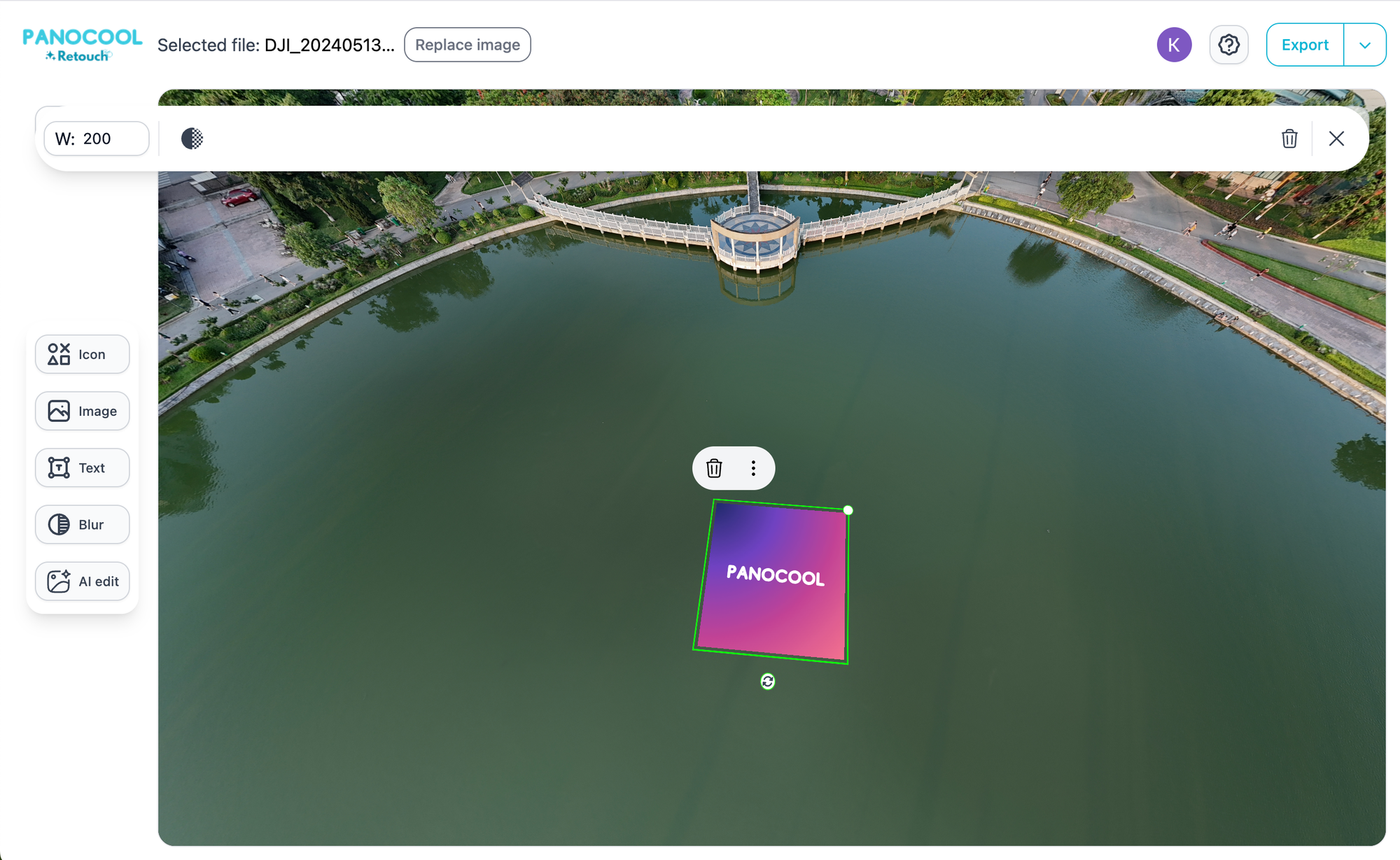
After uploading, drag and resize the logo until it looks right.
For best results:
- Keep the logo visible but not distracting
- Avoid covering important details
Step 4: Fine-Tune the Branding
Besides logos, you can also add:
- Company name
- Website URL
- Contact information
- Social media handles
- Promotional text
- Icons and graphics
PanoCool Retouch includes access to over 100,000 free icons that can be combined with your logo for a more polished presentation.
Step 5: Export Your 360 Image
Once you're satisfied with the placement, export the edited panorama.
PanoCool Retouch preserves the 360° image format, allowing the image to remain compatible with:
- Virtual tours
- Facebook 360 posts
- Google Maps
- VR viewers
- 360 image hosting platforms
Save Time with Batch Sync
If you're working with multiple panoramas from the same project, you don't need to add your logo manually to every image.
Use Batch Sync to apply the same logo, text, and branding elements to multiple images at once.
This is especially useful for:
- Real estate shoots
- Hotels and resorts
- Restaurants
- Retail stores
- Google Street View projects
Start Adding Your Logo Today
PanoCool Retouch makes it easy to add professional branding to both 360 panoramas and standard photos directly from your browser.
No installation required. Simply upload your image, add your logo, and export a high-quality result ready for virtual tours, Google Maps, social media, and more.
Start free at: https://pano.cool/pano-editor