How to Effortlessly Share 360 Photos with Anyone, Anywhere
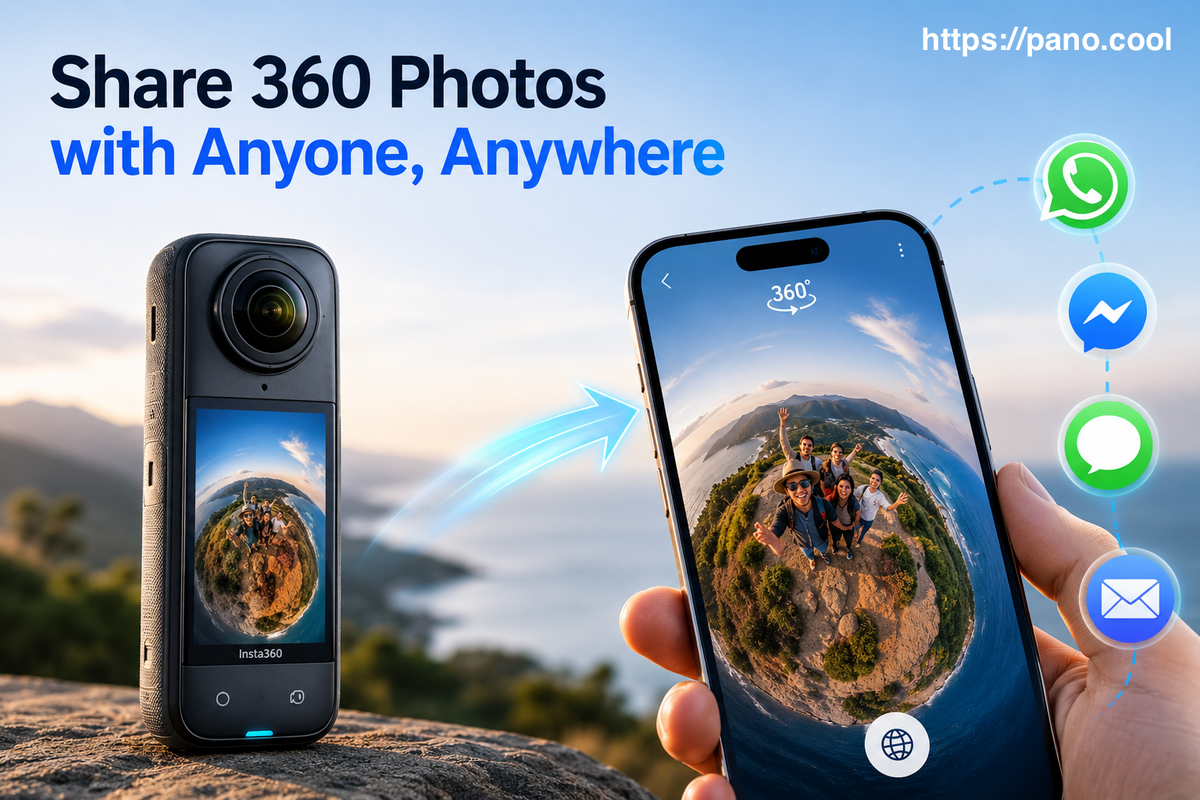
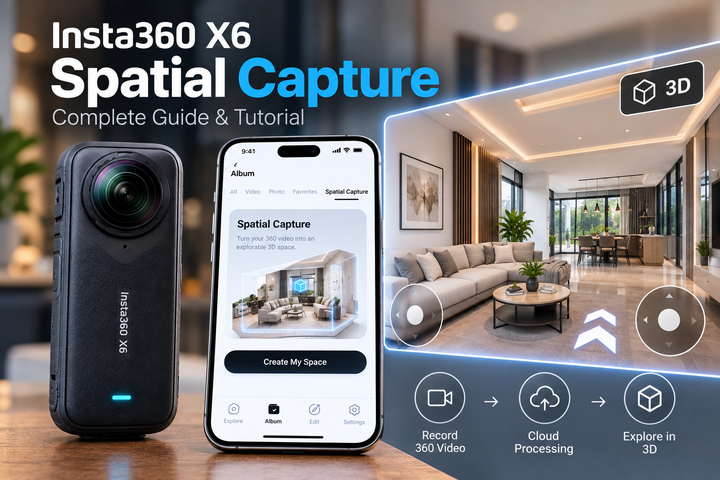
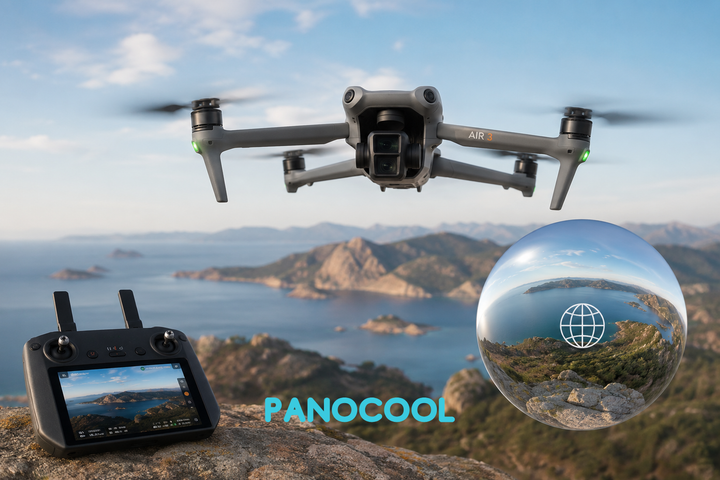
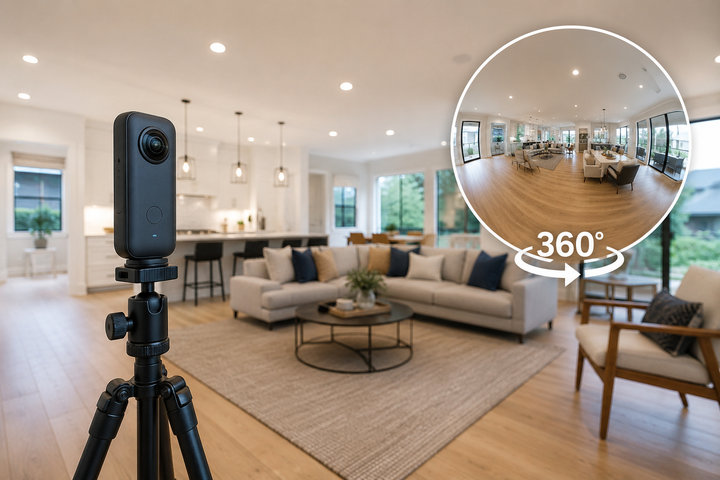
Nowadays, capturing stunning 360-degree photos has become incredibly easy, thanks to a fierce wave of innovation in consumer camera hardware. The market is packed with high-performing, user-friendly options. Leading the charge is the popular Insta360 X series (X4 and X5), alongside the impressive DJI Osmo 360, which has brought DJI’s legendary stabilization and optical prowess into the full-sphere arena.
For those who love alternatives or niche gear, options like the high-resolution QooCam Ultra, the rugged GoPro Max, and the ultra-compact PanoX V3 offer unique feature sets for every type of creator.
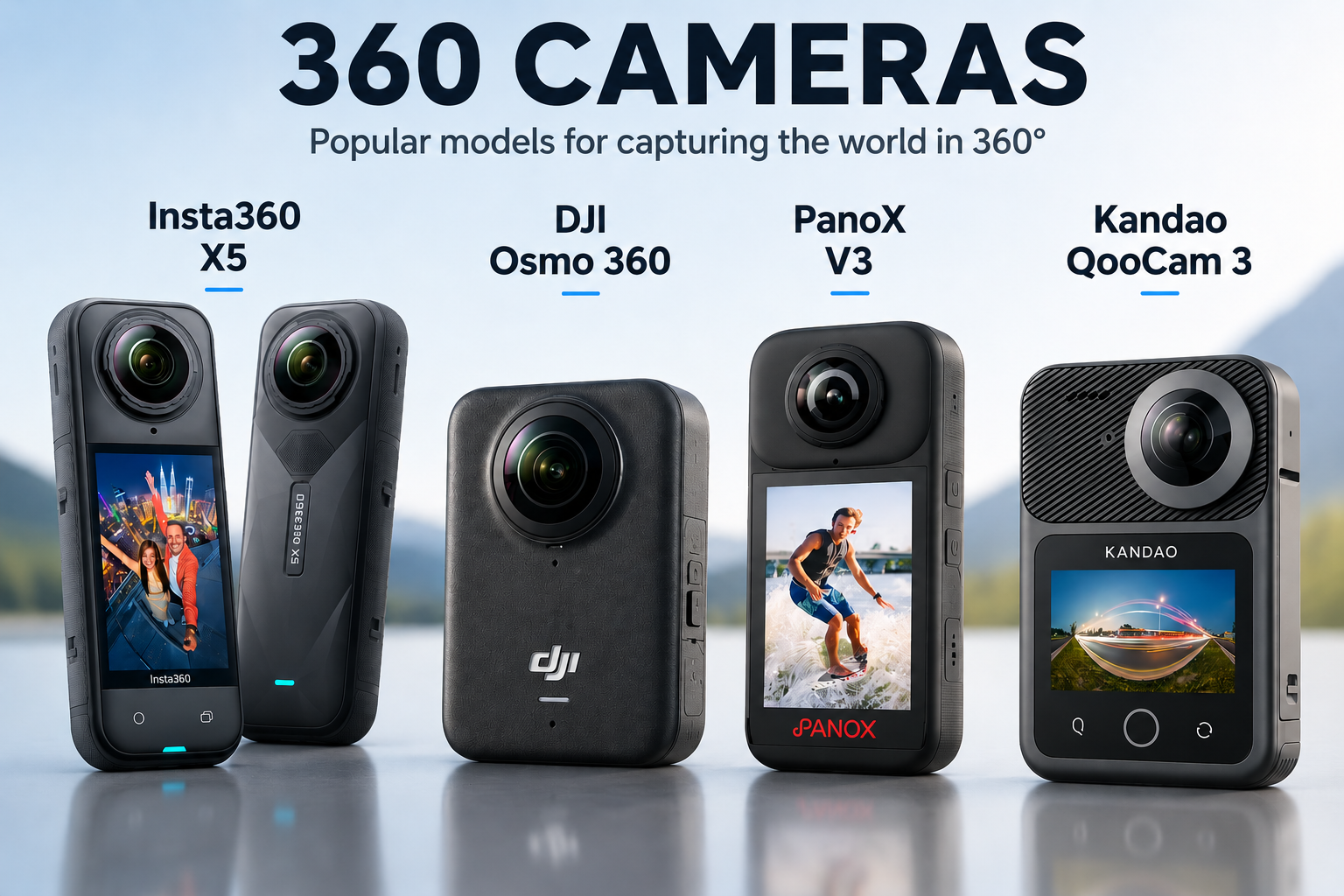
Beyond just availability, the overall image quality has drastically improved. We are no longer looking at grainy, heavily stitched, low-dynamic-range panoramic blobs. Today's 360 cameras shoot in glorious high resolution, resolving crisp details, rich colors, and delivering pristine stitching lines straight out of the box.
The "Flat Photo" Bottleneck: The Sharing Headache
You went out, captured a breathtaking 360-degree memory of your last mountain hike or family gathering, and the stitch looks perfect on your phone. But here comes the frustrating roadblock: viewing and sharing these photos is still surprisingly hard.
By default, 360-degree photos are saved as flat, distorted equirectangular sphere images. To be viewed interactively, they require specific metadata and a dedicated app or player to warp them back into a navigable sphere.
When you try to share these raw files directly with friends through standard messaging apps like WhatsApp, Telegram, or via email, the magic breaks completely. Instead of an immersive world your friends can look around in, they receive a weirdly warped, stretched-out flat image that completely ruins the experience. Unless your friends install specialized viewer apps, your incredible 360° capture remains trapped.
The Easy Workaround: Discovering PanoCool
Fortunately, you don't have to give up on sharing your panoramic adventures. One incredibly simple solution to this widespread problem is using a dedicated 360 platform built specifically for this purpose, such as PanoCool.
PanoCool acts as the bridge between your camera's heavy file formats and your friends' standard web browsers. It makes sharing 360 photos effortlessly smooth. Here is how it works in 3 easy steps:
- Head over to PanoCool and quickly create a free account.
- Upload your raw 360-degree photos straight from your device.
- Grab the generated custom link and send it over to your friends via WhatsApp, SMS, or social media.
The beauty of this approach is that when your friends click the link, they can open the photos on any device, be it an iPhone, Android, tablet, or desktop computer. The photo opens instantly in a native, beautifully rendered interactive 360 view. They can swipe, pan, and zoom around your memory without needing to register or download a single external app.
Taking It To The Next Level: Advanced Customization
For those who want to do more than just drop a raw image, PanoCool offers an impressive array of advanced features that turn a simple panorama into a curated digital experience. If you want to elevate your presentations or protect your content, you can utilize their deeper tools:
- Custom Viewing Interfaces: Don't settle for a generic layout. Choose different skins and player styles to match the mood of your photo, whether it's a sleek minimalist gallery or an adventurous travel log.
- Interactive Overlays: Add rich context directly into the sphere. You can place customizable text descriptions, floating informational popups, or even static image overlays directly over specific coordinates of your 360 photo.
- Privacy and Link Security: Sharing sensitive client work, real estate previews, or intimate family moments? PanoCool allows you to easily set a secure password for your links, ensuring only authorized people can explore your immersive spaces.
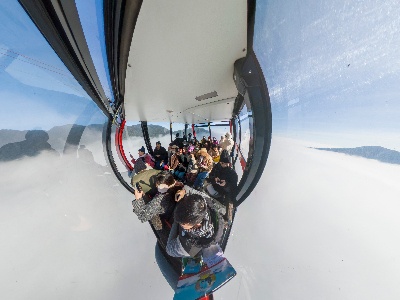
See some examples:


Conclusion
The hardware barriers to immersive photography have officially fallen. With devices like the Insta360 X series and DJI Osmo 360, anyone can capture the world in its entirety. Don't let rigid social media platforms or basic messaging apps turn your stunning spheres into distorted flats. By leveraging platforms like PanoCool, you unlock the true potential of your gear, making interactive, beautiful, and secure 360° sharing as simple as sending a text message.