How to View 360 Photos on Meta Quest
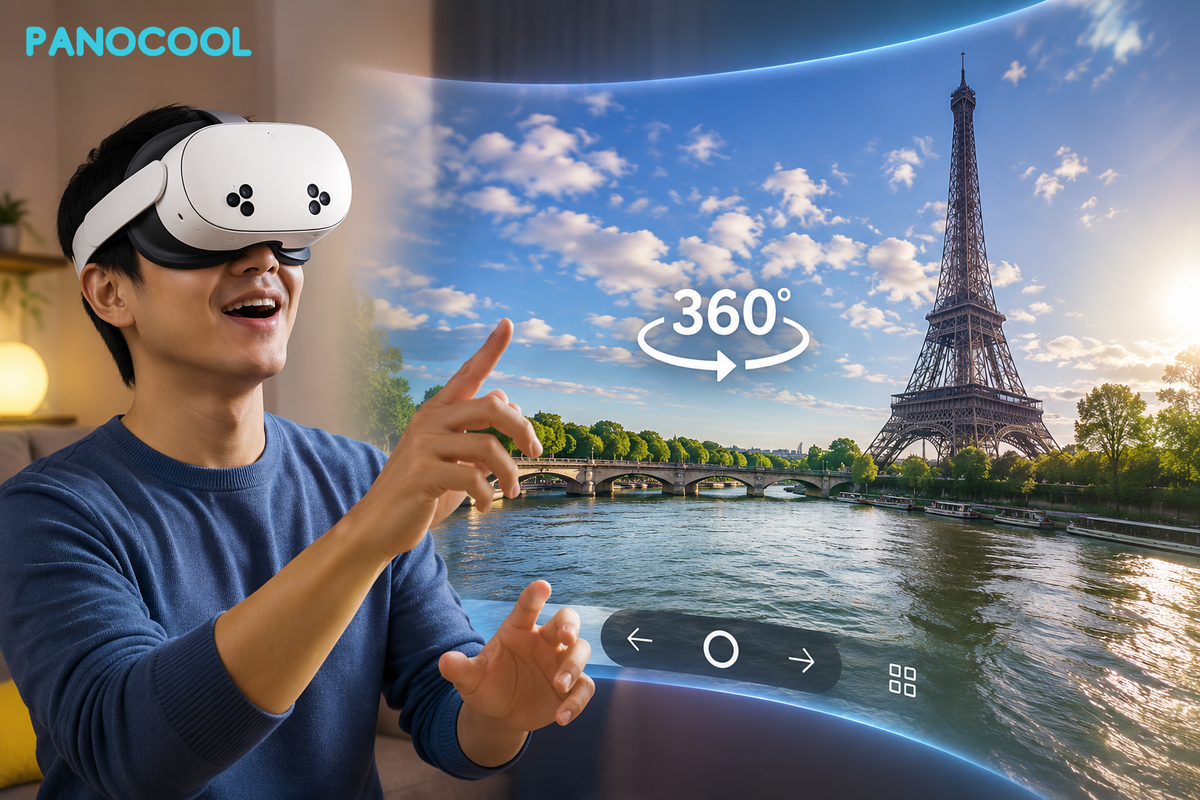
Virtual reality shines brightest when it completely immerses you in a moment. While viewing 360-degree panoramic photos on a flat desktop or mobile screen is great, experiencing them inside a VR headset is entirely next-level.
PanoCool Virtual Tour features native support for VR headsets, including the Meta Quest line. This means you can transport yourself directly into your high-resolution panoramas with zero clunky configurations or third-party app installations required.
Here is exactly how to upload your 360 photos and step inside them using your Meta Quest headset.
The Workflow
- Upload to PanoCool Studio
Head over to the PanoCool Virtual Tour Studio at: https://pano.cool/design on your computer or phone. Log into your existing account or quickly sign up for a new one. Simply drag and drop your 360-degree photos into the studio interface to upload them.
Optional: This is also where you can add interactive hotspots to link multiple rooms or angles together into a seamless walkthrough experience.
- Get Your Share Link or QR Code
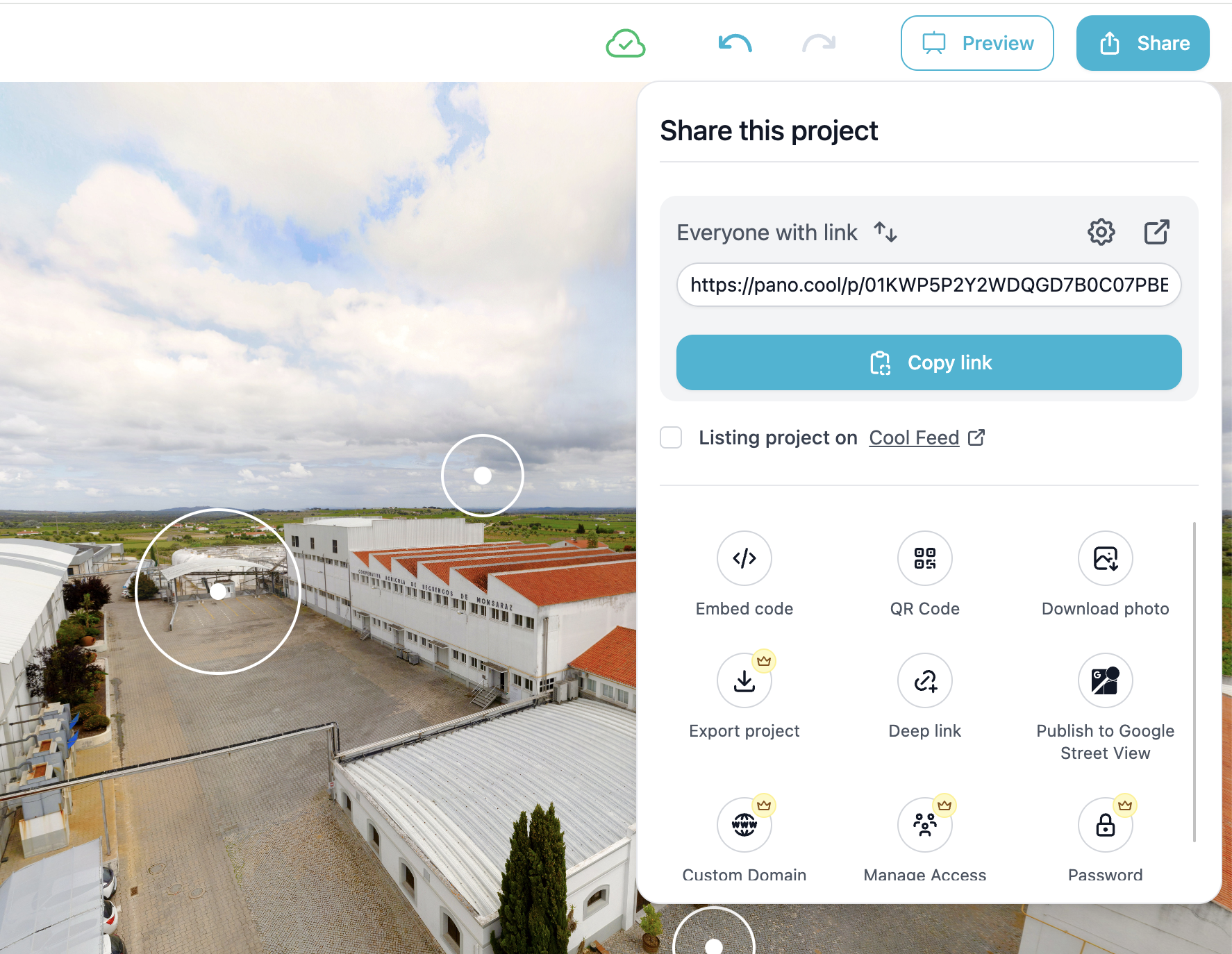
Once your panoramic photos are fully synced to the cloud, click the Share button on your tour dashboard. From here, you have two easy options to bring it into VR:
- Option A: Copy the unique shared URL.
- Option B: Click on the QR Code option to display a scannable code on your desktop screen.
- Open the PanoCool URL on Meta Quest
Put on your Meta Quest headset and launch the native Meta Quest Browser.
- If you chose Option A: Paste or type the copied PanoCool URL directly into the address bar.
- If you chose Option B: Use your Meta Quest's passthrough camera to simply scan the QR code displayed on your desktop monitor to open the link instantly.
- Enter Immersive VR Mode
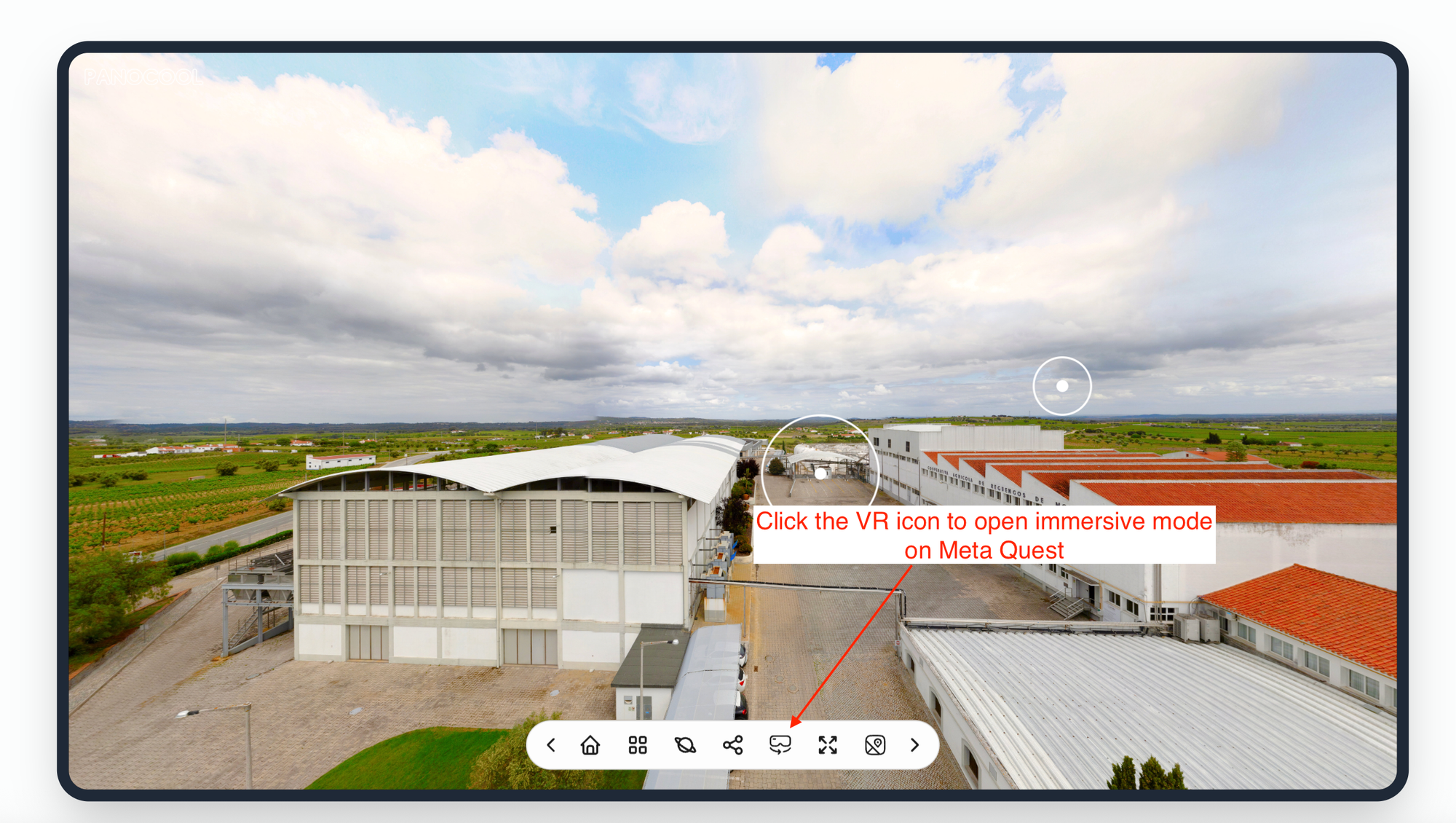
Once your PanoCool tour loads in the browser, look at the bottom toolbar and click on the VR icon. The browser will prompt a quick confirmation window asking you to enter VR mode. Confirm the prompt, look around, and enjoy the fully immersive, interactive walkthrough!
By adding interactive hotspots in PanoCool Studio, your VR viewers won't just stand in one spot. They can look at a door or a designated marker inside the Quest headset, click it, and instantly "walk" into the next room or viewpoint, creating a realistic, self-guided virtual tour.
Learn more about PanoCool: