Running a 360 tour agency on PanoCool
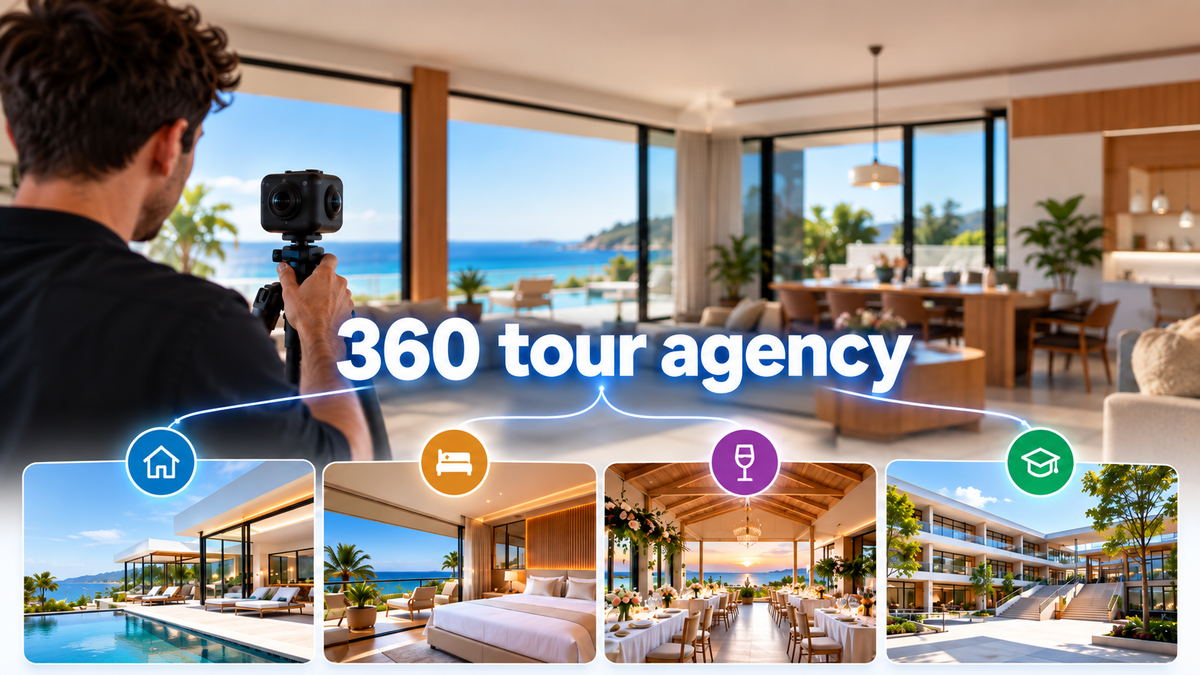
You shoot the panoramas, build the tours and keep them online for your clients: real estate agents, hotels, venues, schools. PanoCool can run that whole business under your brand.
This guide shows how agencies set it up: one Super Cool account, every client tour on your own domain, client access without shared logins, and a clear answer to who owns each tour.
1. Start with the right plan
Most agencies run on Super Cool. It includes everything this guide uses:
- White Label: one domain for all your tours
- Unlimited custom domains, one per tour
- Manage Access, to invite clients and teammates to projects
- Project transfer, to hand a finished tour to a client
- Your own favicon and password page logo
- Tours in up to 5 languages
- 250 GB of storage, with Storage add-ons for more
There is no limit on projects, panoramas or tour views. See pricing.
Need an SLA, customized hosting, a dedicated support channel, high-volume teams or a custom integration? Ask about Enterprise at [email protected]. It includes everything in Super Cool, White Label too.
One rule matters from day one: each person signs in with their own PanoCool account. Sharing one login between several people is against the Terms of Use.
2. Put your brand in the address bar
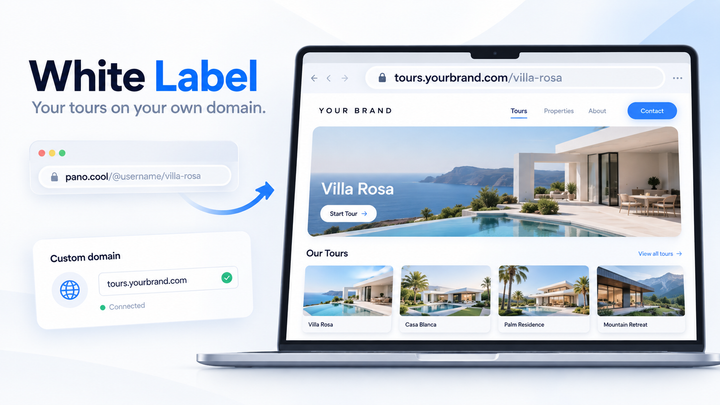
Connect a white-label domain, such as tours.youragency.com. Every tour you own then opens at tours.youragency.com/{project-slug}, and the domain's home page shows your portfolio. Set up a white-label domain for all your virtual tours walks through it step by step.
When a client wants their own domain on a tour, add a custom domain to that tour, such as tour.clienthotel.com. Each custom domain opens one tour, and Super Cool has no limit on how many you add.
3. Organize tours by client
Links on your white-label domain have a single path segment, so client folders like tours.youragency.com/acme/lobby aren't supported. Agencies use one of these patterns instead:
- Client name in the slug:
tours.youragency.com/acme-lobby,tours.youragency.com/acme-rooftop. A consistent prefix makes each client's tours easy to spot. - A subdomain per client tour:
acme.youragency.com, added as a custom domain on that tour. - Client pages on your own website: embed tours on pages like
youragency.com/clients/acmewith Share › Embed code. Your website controls those URLs.
Your domain's home page is your portfolio. List your best work there to win new clients, or keep it private: tour links work either way.
4. Brand each client's tour
Every project has its own theme and settings, so one tour can carry your brand and the next your client's.
- Theme, colors and fonts: the Theme tab.
- Logo: replace the PanoCool logo with yours or the client's, link it to their website, or hide it.
- Favicon: Metatags › Advanced options.
- Title, description and preview image: the Metatags tab.
- Password page: your logo, the client's, or none, in Share › Password Protection › Advanced options. Useful for previews before launch.
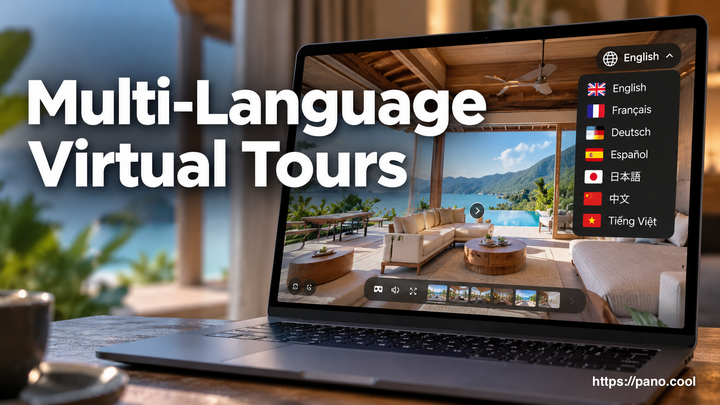
- Languages: offer the tour in up to 5 languages from Project Settings › Languages.
5. Give clients access to their tours
PanoCool has no separate client dashboard, and nobody signs in on your white-label domain. Instead, each client uses their own PanoCool account on pano.cool, and you share their projects with them. A free account is enough.
- Open the client's tour in the editor and click Share › Manage Access.
- Enter the client's email address.
- Pick a role: Can view for read-only access, or Can edit to let them make changes.
- Click Send invite.
The client gets an email to accept. If they don't have an account yet, the invitation is linked when they sign up with that email address. They see only the projects you share with them.
Each project takes up to 10 people, pending invitations included. Only the owner can invite or remove people, and inviting needs Super Cool on the owner's account. Teammates join the same way, usually with Can edit.
6. Decide who owns each tour
Every project has one owner, and that is the only thing PanoCool tracks. Whether a tour stays in your account or moves to your client's is up to you and your client, so put it in your contract.
You keep the tour | You hand it over | |
|---|---|---|
Who keeps it online | You, through your plan | The client, through their plan |
Where it opens | Your white-label domain | The client's own links and domains |
Your access | Owner | Editor, until the client removes you |
Suits | Hosting as part of your service | Clients who want full control |
To hand a tour over, open Share › Manage Access, pick Transfer and send the invite. Both accounts need Super Cool. Once the client accepts, they own the tour and you become an editor. A transfer can't be undone.
Two things to plan for:
- A tour stays online under its owner's plan. When the owner's subscription ends, their tours are set to Inactive, and their domains, collaborators and aliases are removed.
- To take one tour offline, for example when a contract ends, set its status to Inactive in your project list or in Project Settings › Project status. Setting it back to Active brings it back.
7. Share, embed and report
- Default link: in Share › View links, star the White label domain link. The Share panel, embed code and QR code then use your domain.
- Embed: Share › Embed code gives you an iframe for the client's website or yours.
- QR code: Share › QR Code for print, signage and brochures, and you can add your logo to it.
- Analytics: add the client's Google Analytics ID in the editor's Analytics tab, so visits show up in their own reports.
- Self-hosting and offline: Share › Export project downloads a tour to host on a server of your own or to show offline.
8. Price your work, not PanoCool
How you price shoots, tours, hosting and updates is up to you. What you sell is your work: the shoot, the tour, and keeping it online under your domain.
If you recommend PanoCool, for example to a client who wants to build tours in-house, join the affiliate program. It pays a 10% recurring commission on every active subscription you refer, paid monthly.
FAQ
Is White Label a separate program?
No. It's part of the Super Cool and Enterprise plans.
Can I remove PanoCool branding?
Inside your tours, yes: logo, favicon, metatags and password page. A few places outside the tours still show PanoCool, such as the line at the bottom of your portfolio page. What visitors see on a white-label domain lists them.
Can clients sign in on my domain?
No. Clients sign in on pano.cool with their own accounts and see only the projects you share with them.
Can I use links like youragency.com/client/tour?
Not on your white-label domain. Put client names in slugs, give a client's tour its own custom domain, or embed tours on your website's pages.
Is there an API?
To put tours on websites, use the embed code. For integration with your own systems, the Enterprise plan includes custom integration setup.
Are there limits on clients, tours or views?
No limit on projects, panoramas or views. Storage is 250 GB on Super Cool, with add-ons for more, and each project takes up to 10 collaborators.
Can I resell PanoCool?
No, there is no reseller program. The affiliate program pays a 10% recurring commission for referrals.
What happens to client tours if I cancel?
Tours stay online under their owner's plan. If your subscription ends, the tours you own are set to Inactive, so transfer tours to clients first if they should stay online.